
Best AI Agent Builders: 15 Platforms to Build AI Agents in 2026
Compare the best AI agent builders in 2026, including no-code, free, enterprise, and developer platforms. See pricing, features, pros, cons, and best use cases.
On this page
- What are AI agent builder platforms?
- How AI agent builders work?
- Can I build my own AI agent?
- Methodology: how we tested these AI agent platforms
- How we rate the platforms?
- 15 best AI agent builders and tools in 2026
- 1. Anfloy
- 2. CrewAI
- 3. Agentforce
- 4. ChatGPT Agent
- 5. n8n
- 6. Lindy AI
- 7. Botpress
- 8. Intercom Fin
- 9. DronaHQ
- 10. Voiceflow
- 11. Stack AI
- 12. Relevance AI
- 13. Flowise
- 14. Langflow
- AI agent builder comparison by use case
- What to look for in an AI agent builder?
- The difference between an AI agent and an AI workflow
- What makes an AI agent builder platform "best"?
- How do the best AI agent builders ensure data privacy?
- How long does it take to deploy an AI agent?
- Is multi-agent orchestration better than a single agent?
- AI agent builder decision framework
- How to choose the right AI agent builder?
- AI agent builder selection matrix
- Our overall recommendations
- Why the "best" AI agent builder depends on your architecture?
- AI agent builder pricing: what should you expect?
- How to deploy an AI agent in production?
- What makes an AI agent production-ready?
- Why businesses need more than an AI agent builder?
- How Anfloy helps build AI agents?
- Conclusion: which AI agent builder should you choose?
AI agents are moving beyond simple chat interfaces.
A chatbot responds to a prompt. An AI agent can interpret a goal, decide what to do next, use tools, retrieve information, execute actions, and continue working until the task reaches a defined outcome.
That difference has created a rapidly expanding category of AI agent builder platforms.
Some platforms let non-technical users create agents without writing code. Others provide developer frameworks for building complex multi-agent systems. Enterprise platforms focus on governance, security, CRM integration, and business workflows.
The best platform therefore depends on what you are trying to build.
A founder looking for a free AI agent builder has different requirements from an enterprise team building customer-service agents. A student experimenting with AI automation needs a simpler platform than a developer building production-grade multi-agent infrastructure.
In this guide, we compare 15 of the best AI agent builders and tools in 2026, covering no-code platforms, developer frameworks, enterprise solutions, workflow automation tools, and specialized agent platforms.
We evaluate each platform based on:
- Ease of building
- Agent capabilities
- Tool and API integrations
- Workflow orchestration
- Knowledge retrieval
- Multi-agent support
- Deployment options
- Pricing
- Scalability
- Business use cases
Whether you're looking for the best no-code AI agent builder, an AI agent platform for a small business, or a developer framework for production systems, this comparison will help you choose the right starting point.
What are AI agent builder platforms?
An AI agent builder platform is software that helps users create AI systems capable of performing multi-step tasks autonomously or semi-autonomously.
Unlike a basic prompt interface, an agent can typically combine several capabilities:
Reasoning → Memory → Tools → Data → Actions → Feedback
For example, a customer research agent might:
- Receive a company name.
- Search available data sources.
- Analyze the company's website.
- Identify relevant information.
- Evaluate the company against predefined criteria.
- Write a structured summary.
- Update a CRM.
- Notify a sales representative.
The agent builder provides the infrastructure needed to define and execute this process.
How AI agent builders work?
Most agent platforms contain several common components.
Model
The underlying AI model provides language understanding and reasoning.
Depending on the platform, users may be able to select models from providers such as OpenAI, Anthropic, Google, or other model vendors.
Instructions
Instructions define the agent's role, objectives, behavior, and constraints.
For example:
Research a company, identify three relevant business signals, and return the findings in structured JSON.
Clear instructions help constrain the agent's behavior.
Tools
Tools allow an agent to interact with external systems.
Examples include:
- Web search
- APIs
- Databases
- CRM systems
- Calendars
- Internal applications
Tools are what allow an agent to move beyond generating text and actually perform work.
Knowledge
Agents can use external information to improve their responses and decisions.
Knowledge sources can include:
- Documents
- Websites
- Databases
- Knowledge bases
- Internal company information
Retrieval-based architectures can provide relevant context without requiring all information to be included directly in the prompt.
Memory
Some agents maintain information across interactions.
Memory can allow an agent to retain:
- User preferences
- Previous interactions
- Task state
- Customer context
The type and duration of memory vary between platforms.
Actions
Actions allow agents to change something outside the AI system.
For example:
- Create a CRM record
- Send an email
- Create a support ticket
- Update a spreadsheet
- Schedule a meeting
- Trigger another workflow
This action layer is a major difference between an AI assistant and an operational AI agent.
Can I build my own AI agent?
Yes.
You do not necessarily need to be a software engineer.
The current AI agent ecosystem includes three broad approaches.
No-code agent builders
These platforms provide visual interfaces for configuring agents, tools, instructions, and workflows.
They are useful for:
- Beginners
- Business teams
- Marketers
- Operations professionals
- Small businesses
They are often the easiest starting point for someone searching for a best no-code AI agent builder.
Low-code platforms
Low-code platforms provide visual builders while allowing users to add code or custom logic when required.
They are useful when standard integrations are not sufficient.
Developer frameworks
Developer-oriented frameworks provide greater control over:
- Agent architecture
- Memory
- Tool calling
- State management
- Model selection
- Multi-agent orchestration
- Deployment
They require more technical knowledge but can provide substantially greater flexibility.
Methodology: how we tested these AI agent platforms
There is no single definition of the "best" AI agent builder.
A platform can be excellent for developers and unsuitable for a beginner.
Likewise, a no-code platform can be easy to use but lack the control required for enterprise deployments.
We therefore evaluated the platforms across multiple dimensions.
1. Agent creation
We considered how easily a user can:
- Create an agent
- Define instructions
- Add tools
- Connect knowledge
- Configure actions
- Test behavior
2. Ease of use
We evaluated the learning curve for a new user.
Platforms received stronger consideration when users could move from account creation to a working agent without extensive documentation or engineering support.
3. Tool and integration support
Agents become more useful when they can interact with external systems.
We considered support for:
- APIs
- Webhooks
- Databases
- CRMs
- SaaS applications
- Web search
- Communication tools
4. Workflow and orchestration
We evaluated whether platforms support multi-step processes and conditional logic.
This includes:
- Branching
- Sequential actions
- Triggers
- Loops
- Human approval
- Agent-to-agent communication
5. Knowledge and retrieval
We considered how platforms allow agents to work with external knowledge.
Important capabilities include:
- Document ingestion
- Knowledge bases
- Retrieval
- Structured data
- Custom sources
6. Multi-agent capabilities
Some use cases require multiple specialized agents.
For example:

Research Agent
      ↓
Qualification Agent
      ↓
Writing Agent
      ↓
Review Agent
      ↓
Action Agent
We considered whether platforms support multi-agent architectures and how easily those systems can be coordinated.
7. Deployment and scalability
A prototype is different from a production agent.
We considered:
- Deployment options
- API access
- Monitoring
- Reliability
- Security
- Scalability
- Enterprise controls
8. Pricing and accessibility
We compared:
- Starting price
- Free plans
- Usage limitations
- Trial availability
- Enterprise requirements
Pricing changes frequently, so users should verify current pricing before making a purchasing decision.
How we rate the platforms?
Our rating reflects the overall usefulness of each platform for its intended audience.
We consider:
Agent capability + usability + integrations + orchestration + deployment + value
A platform does not need to score highest in every category to receive a strong rating.
For example, a simple no-code builder may be rated highly for beginners even if a developer framework provides greater technical control.
15 best AI agent builders and tools in 2026
| Tool | Starting Price | Free Plan? | Best For | Rating |
|---|---|---|---|---|
| Anfloy | Custom | No | GTM and revenue AI agents | 4.9/5 |
| CrewAI | Free / usage-based | Yes | Developer multi-agent systems | 4.7/5 |
| Agentforce | Custom / usage-based | Limited | Enterprise agents | 4.6/5 |
| ChatGPT Agent | Plan-dependent | Plan-dependent | General-purpose agent tasks | 4.6/5 |
| n8n | Free / paid | Yes | AI workflow automation | 4.7/5 |
| Lindy AI | Plan-dependent | Trial/limited | Personal AI assistants | 4.5/5 |
| Relay.app | Plan-dependent | Yes | Business workflow agents | 4.5/5 |
| Botpress | Free / usage-based | Yes | Conversational agents | 4.5/5 |
| Intercom Fin | Custom / usage-based | No | Customer support | 4.5/5 |
| DronaHQ | Plan-dependent | Trial/limited | Internal business apps | 4.3/5 |
| Voiceflow | Plan-dependent | Yes | Conversational AI | 4.5/5 |
| Stack AI | Plan-dependent | Limited | Enterprise AI workflows | 4.4/5 |
| Relevance AI | Plan-dependent | Yes | AI workforce and GTM automation | 4.6/5 |
| Flowise | Free / paid | Yes | Visual LLM applications | 4.5/5 |
| Langflow | Free / paid | Yes | Developer AI workflows | 4.5/5 |
Pricing and free-plan availability can change. Check the vendor's current pricing before purchasing.
The platforms serve different segments, so the table should be used as a starting point rather than a universal ranking.
1. Anfloy
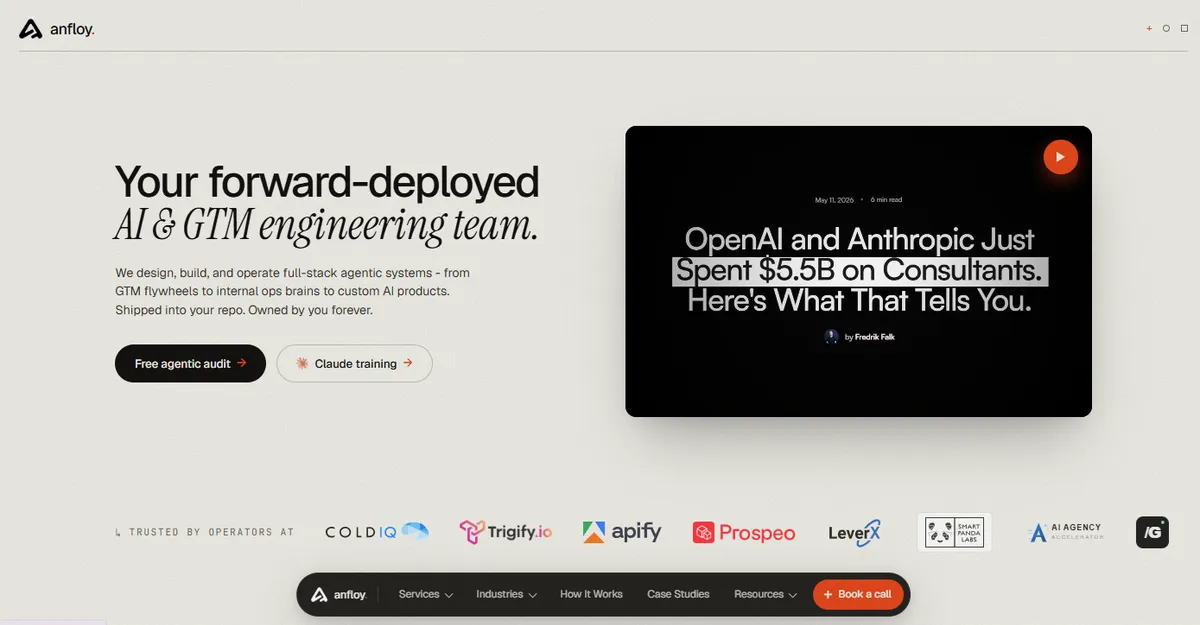
Best for: GTM Engineering, revenue automation, AI-powered GTM systems
Anfloy approaches AI agents from a go-to-market systems perspective.
Instead of treating an agent as an isolated chatbot, the focus is on connecting AI to the revenue infrastructure that businesses already use.
This can include:
- CRM
- Customer data
- Data enrichment
- Sales workflows
- Revenue Operations
- AI research
- Lead qualification
- Account intelligence
- Workflow automation
What I built?
For a GTM use case, an agent can follow a workflow such as:
Target Account
      ↓
Data Enrichment
      ↓
Company Research
      ↓
ICP Analysis
      ↓
Buying Signal Detection
      ↓
AI Qualification
      ↓
CRM Update
      ↓
Sales Action
The important distinction is that the agent does not stop at generating an answer.
It connects intelligence to an operational action.
Services
Anfloy's AI agent implementation can include:
- AI GTM strategy
- Agent architecture
- GTM workflow automation
- CRM integration
- Data enrichment
- AI lead scoring
- Account research
- AI SDR workflows
- Revenue Intelligence
- API integrations
Pricing
Anfloy uses custom pricing based on the complexity of the AI and GTM implementation.
The scope can vary significantly depending on the number of workflows, systems, integrations, data requirements, and AI agents involved.
Pros
- GTM-specific implementation
- Combines AI with GTM Engineering
- CRM and revenue workflow integration
- Suitable for complex B2B workflows
- Focus on business outcomes rather than isolated AI demos
Cons
- Not designed primarily as a self-service consumer agent builder
- Pricing is customized
- More appropriate for businesses with defined GTM use cases
This makes Anfloy particularly relevant for organizations looking for AI agents for small business and B2B revenue teams rather than general-purpose personal assistants.
2. CrewAI
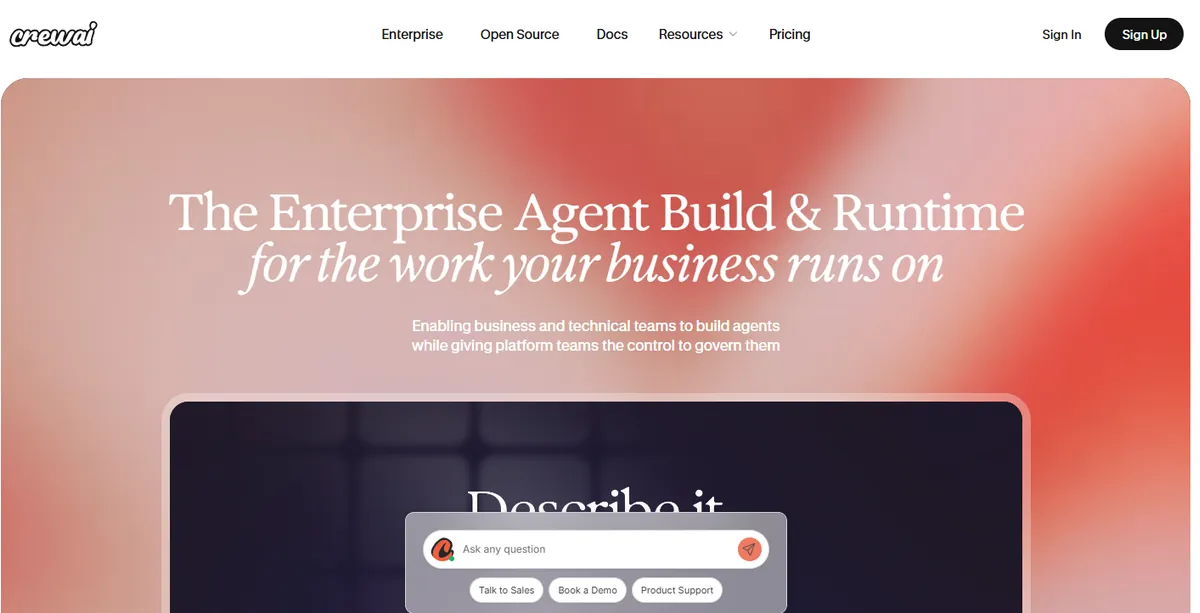
Best for: Developers building multi-agent systems
CrewAI is a framework for creating collaborative AI agents.
Instead of treating one agent as responsible for every task, developers can create specialized agents with different responsibilities.
For example:
Researcher
    ↓
Analyst
    ↓
Writer
    ↓
Reviewer
Each agent can have a specific role and objective.
Pros
- Strong multi-agent architecture
- Developer flexibility
- Useful for complex workflows
- Good fit for programmatic agent development
Cons
- Requires technical knowledge
- More engineering work than visual no-code builders
- Production deployment requires additional architecture
CrewAI is a strong choice when technical control matters more than a beginner-friendly interface.
3. Agentforce
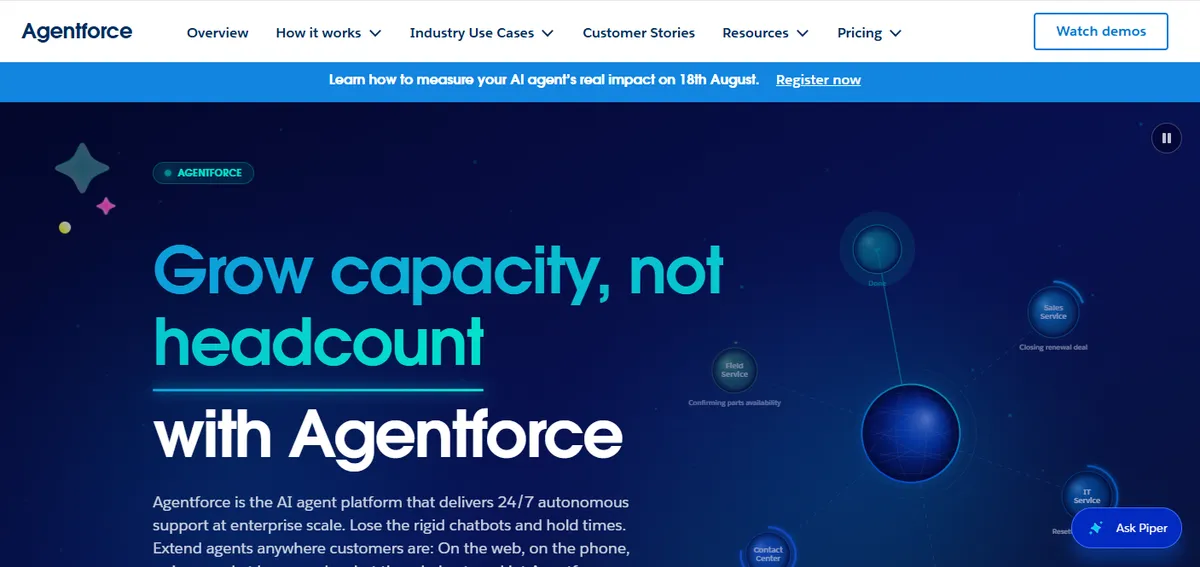
Best for: Enterprise Salesforce environments
Agentforce is designed for organizations already operating within the Salesforce ecosystem.
The platform focuses on deploying AI agents across business functions and connecting them to enterprise customer data and workflows.
Potential use cases include:
- Sales
- Customer service
- Marketing
- Employee support
- CRM automation
Pros
- Deep Salesforce ecosystem integration
- Enterprise-oriented controls
- Strong business data context
- Suitable for large organizations
Cons
- Best value often comes within the Salesforce ecosystem
- Enterprise implementation can become complex
- Pricing can be difficult to compare for smaller teams
Agentforce is particularly relevant when Salesforce is already the organization's core CRM and operational platform.
4. ChatGPT Agent
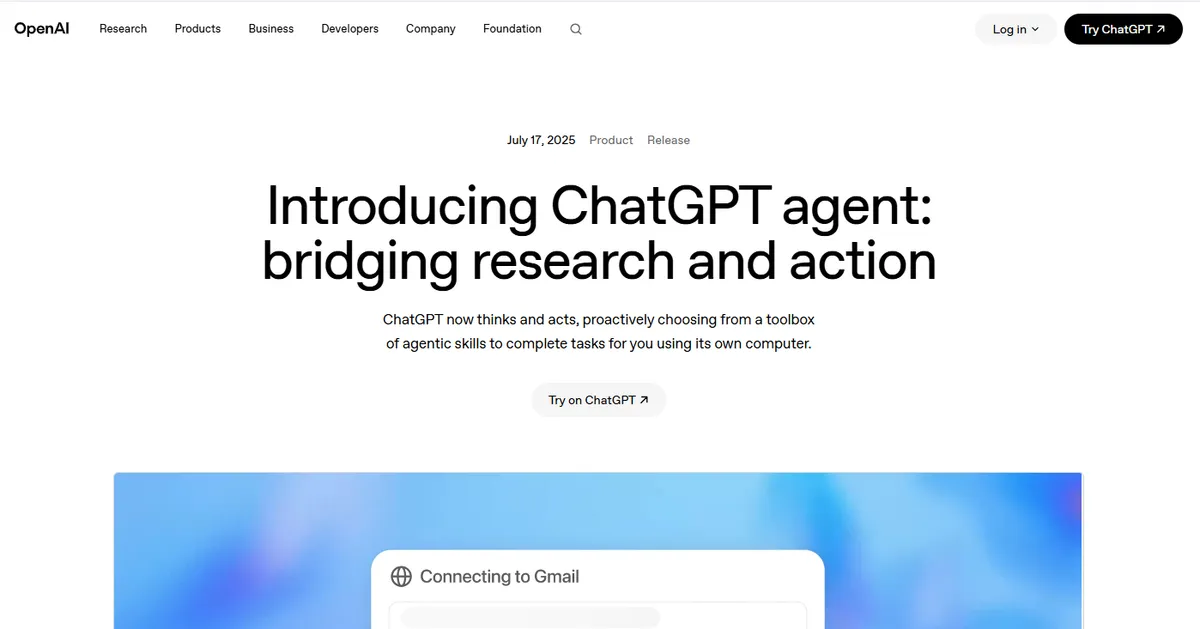
Best for: General-purpose AI agent tasks
ChatGPT's agent capabilities allow users to delegate certain multi-step tasks to an AI system rather than simply asking for a text response.
Potential tasks include:
- Research
- Information gathering
- Web-based tasks
- Analysis
- Structured work
Pros
- Familiar interface
- Strong general-purpose reasoning
- Low barrier to experimentation
- Useful for individual productivity
Cons
- Not a replacement for every production agent architecture
- Advanced business workflows may require dedicated infrastructure
- Enterprise requirements can differ from personal use cases
ChatGPT Agent is particularly relevant for users searching for the best AI agent for personal assistant tasks or general-purpose agentic work.
5. n8n
Best for: AI-powered workflow automation
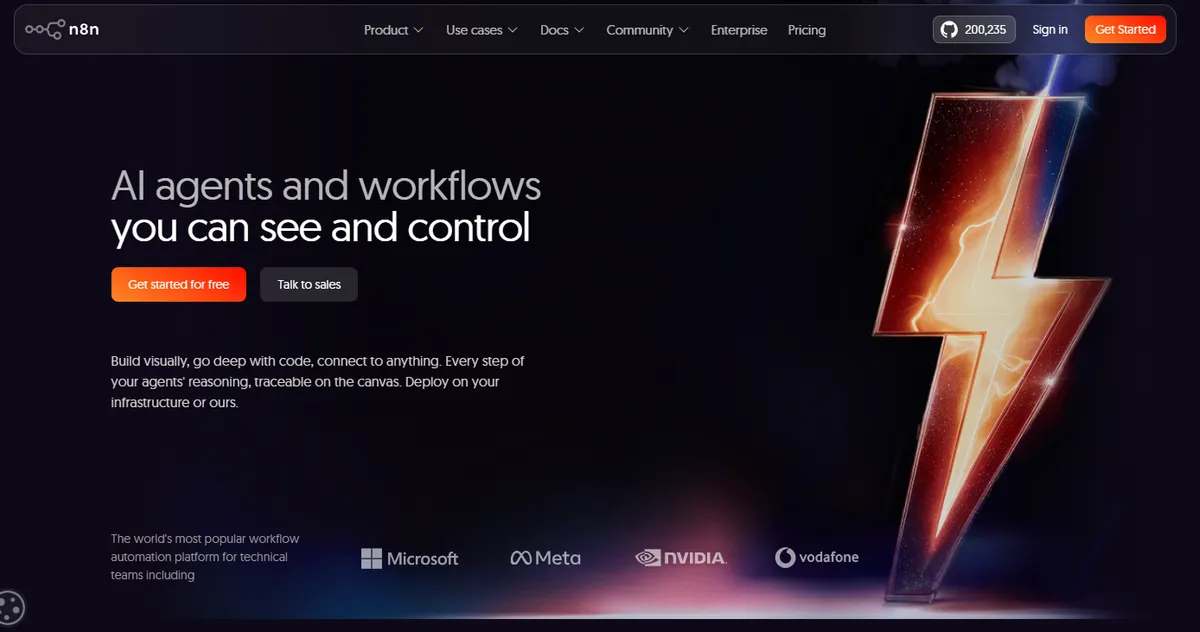
n8n is a workflow automation platform that can connect applications, APIs, data sources, and AI models.
It is especially useful when an AI agent needs to interact with multiple business systems.
For example:
Trigger
  ↓
CRM
  ↓
AI Model
  ↓
Decision
  ↓
API
  ↓
Database
  ↓
Notification
Pros
- Flexible workflow orchestration
- Large integration ecosystem
- Supports AI workflows
- Self-hosting option
- Strong developer control
Cons
- Can become complex as workflows grow
- Requires understanding of workflow logic
- Not a pure beginner-focused agent builder
n8n is one of the strongest options when the objective is AI agent automation rather than simply building a conversational interface.
6. Lindy AI
Best for: Personal AI assistants and business task automation
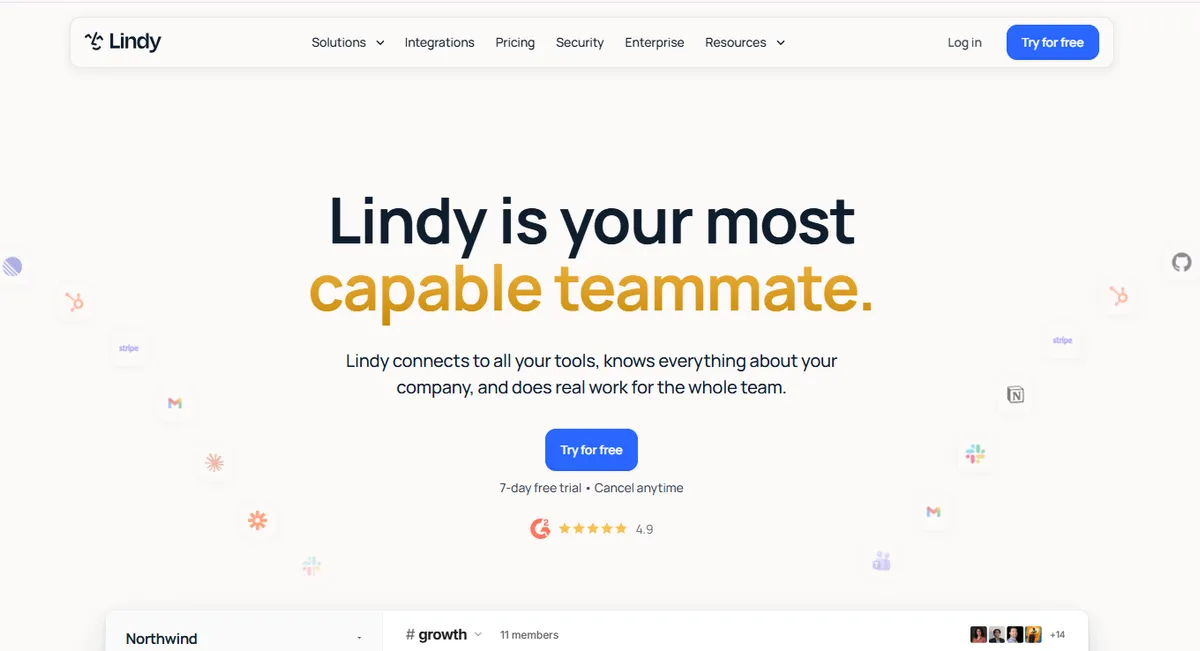
Lindy AI focuses on building AI assistants that can perform practical tasks across business applications.
Instead of requiring users to develop an agent from scratch, Lindy provides a visual approach for configuring assistants and automations.
Common use cases include:
- Email management
- Meeting scheduling
- Lead follow-up
- Customer support
- Administrative tasks
- Personal productivity
Pros
- Beginner-friendly
- Strong assistant use cases
- Useful integrations
- Good fit for individual professionals and small teams
- Visual automation experience
Cons
- Less developer control than code-first frameworks
- Complex architectures can require additional configuration
- Advanced engineering use cases may be better suited to developer platforms
Lindy is a strong candidate for people looking for the best AI agents for personal use or a practical AI assistant that can execute repetitive tasks.
7. Botpress
Best for: Conversational AI agents
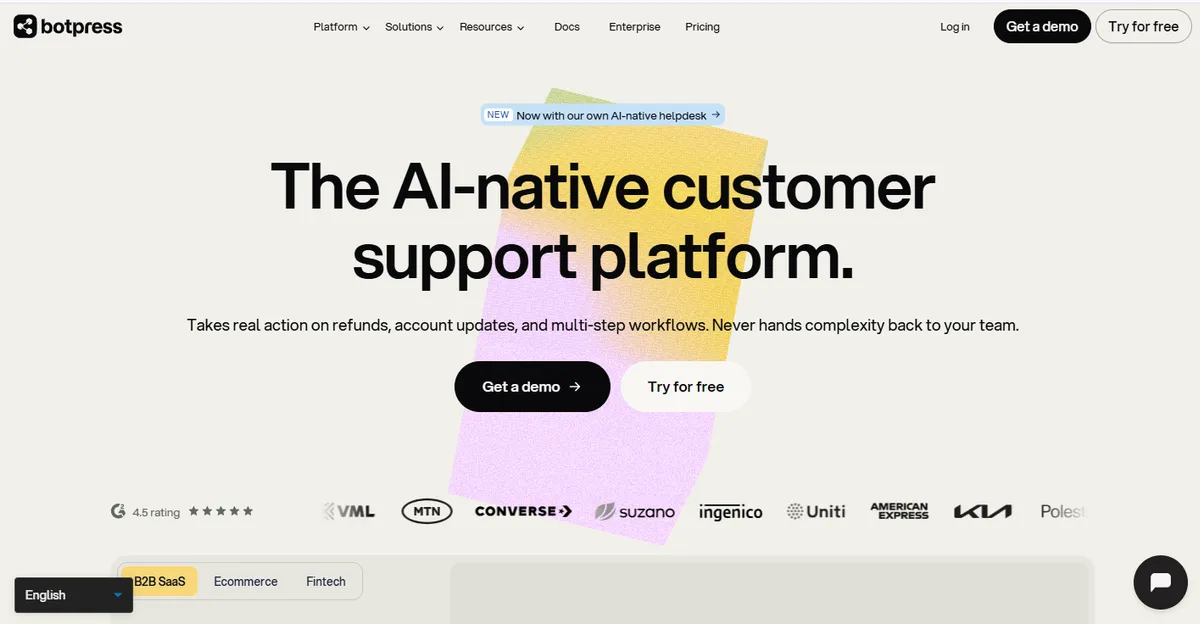
Botpress provides tools for building AI-powered conversational agents.
It is particularly relevant for organizations building:
- Customer support agents
- Website assistants
- Internal assistants
- Conversational workflows
A typical architecture can connect:
User
 ↓
Conversation
 ↓
AI Agent
 ↓
Knowledge
 ↓
Tools
 ↓
Business System
Pros
- Strong conversational AI capabilities
- Visual development environment
- Knowledge integration
- Workflow controls
- Good for customer-facing agents
Cons
- Primarily oriented toward conversational experiences
- Complex backend agent architectures may require additional infrastructure
Botpress is a strong option when the primary interface between the user and agent is conversation.
8. Intercom Fin

Best for: AI customer support
Intercom Fin is designed specifically for customer-service use cases.
It can use a company's support knowledge to answer customer questions and assist with support workflows.
Common applications include:
- Customer support
- FAQ resolution
- Troubleshooting
- Support ticket workflows
- Customer conversations
Pros
- Strong support use case
- Designed for customer-service workflows
- Knowledge-based responses
- Integrates with Intercom's customer communication ecosystem
Cons
- Narrower use case than general-purpose agent builders
- Best suited to organizations already using Intercom
- Not designed primarily for custom developer agent architectures
If your objective is a customer support agent rather than a general AI workforce, specialized platforms such as Fin can be more practical than a generic agent builder.
9. DronaHQ
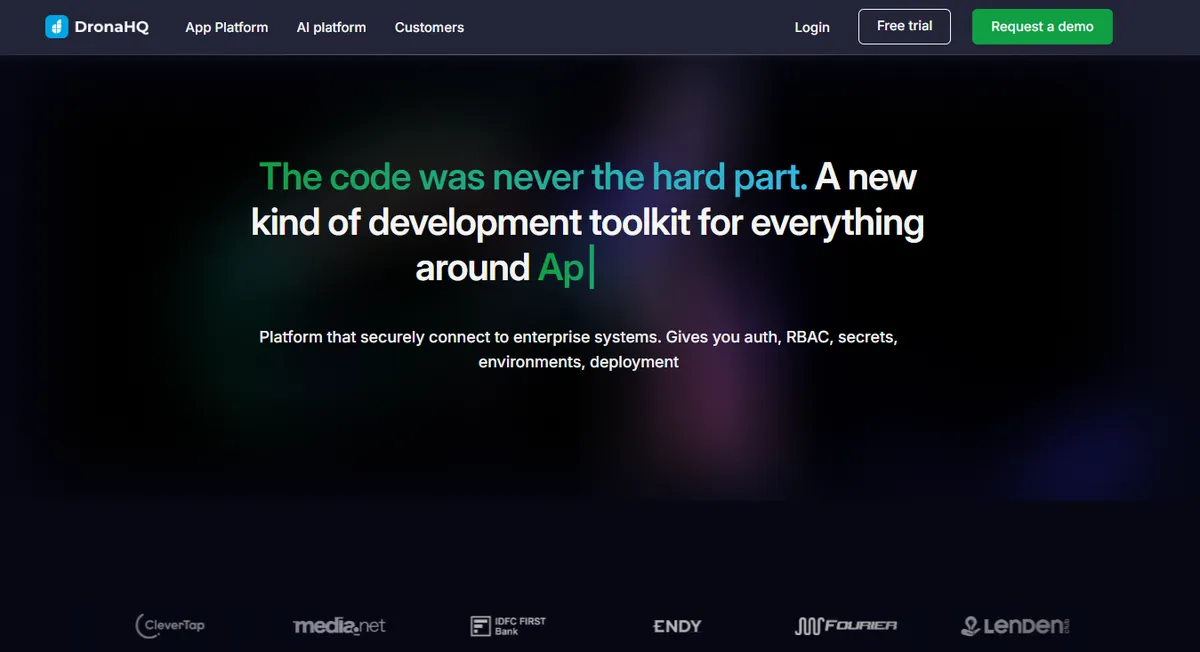
Best for: Internal applications and business process automation
DronaHQ focuses on helping teams build internal tools and business applications.
AI capabilities can be incorporated into applications and operational workflows.
Potential use cases include:
- Internal dashboards
- Approval systems
- Business applications
- Data-driven workflows
- AI-powered internal tools
Pros
- Useful for internal business applications
- Visual development
- Connects application interfaces with data
- Useful for operational teams
Cons
- Not primarily a dedicated multi-agent framework
- More application-oriented than agent-oriented
- Complex agent architectures may require external services
DronaHQ is worth considering when the desired result is an AI-enabled internal application rather than an autonomous agent alone.
10. Voiceflow
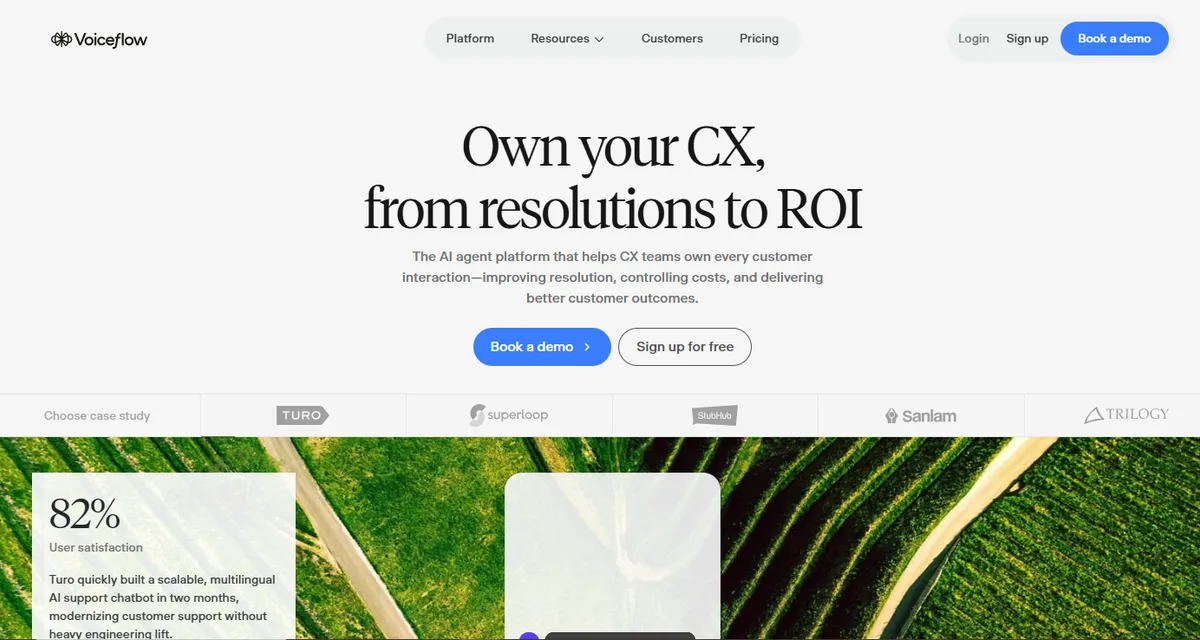
Best for: Conversational AI and customer-facing agents
Voiceflow provides a visual environment for designing conversational experiences.
It can be used to build:
- AI assistants
- Customer support agents
- Website agents
- Voice experiences
- Conversational applications
Pros
- Visual agent design
- Strong conversational capabilities
- Useful for prototyping
- Supports knowledge and integrations
- Accessible to non-developers
Cons
- More focused on conversational applications
- Complex backend orchestration can require additional tooling
Voiceflow is particularly useful for teams that want to design and test customer-facing AI experiences without building the entire system from scratch.
11. Stack AI
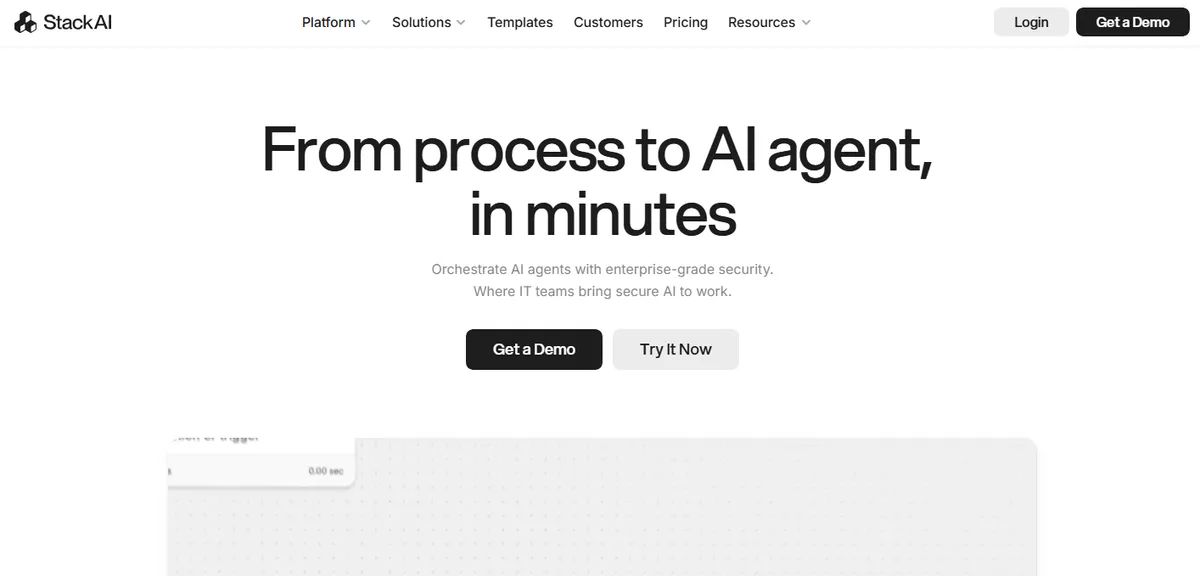
Best for: Enterprise AI applications
Stack AI focuses on building AI applications and workflows around enterprise data.
Organizations can use it for workflows involving:
- Document processing
- Internal knowledge
- Data analysis
- AI assistants
- Business automation
Pros
- Enterprise-oriented
- Useful data integrations
- Visual workflow development
- Suitable for internal AI applications
Cons
- Advanced deployments can require technical expertise
- Enterprise pricing may be less accessible to small teams
- More focused on business AI applications than consumer assistants
Stack AI is a strong option for organizations that need controlled AI workflows connected to enterprise data.
12. Relevance AI
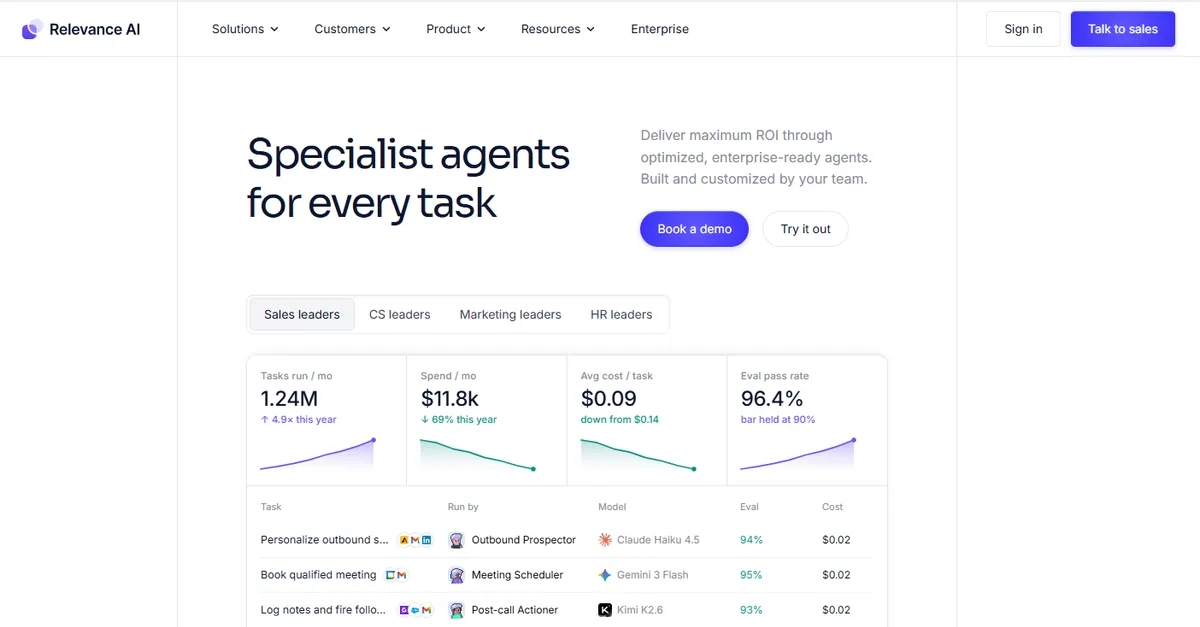
Best for: AI workforce and GTM automation
Relevance AI focuses heavily on AI workers and business automation.
The platform can support agents that perform tasks such as:
- Lead research
- Data enrichment
- Sales operations
- Customer research
- Content operations
- Business analysis
This makes it particularly relevant to GTM teams.
A GTM workflow might look like:
Target Account
      ↓
AI Researcher
      ↓
Data Enrichment
      ↓
AI Qualification
      ↓
AI Personalization
      ↓
CRM
Pros
- Strong business automation focus
- AI worker concept
- Useful GTM applications
- Workflow and agent capabilities
- Accessible to non-developers
Cons
- Advanced implementations can become complex
- AI workflow costs need monitoring
- Some use cases require careful architecture and governance
Relevance AI is one of the stronger choices for businesses exploring AI agents for sales, marketing, and operational workflows.
13. Flowise
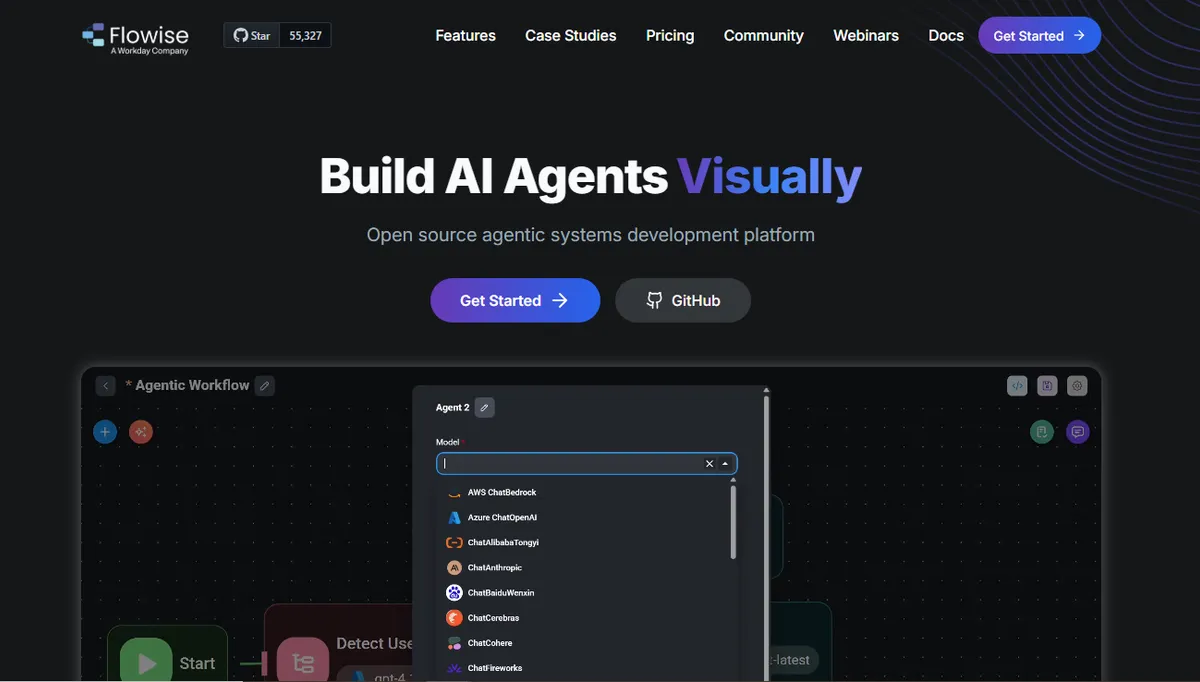
Best for: Visual LLM application development
Flowise provides a visual interface for building LLM-powered applications and workflows.
It is particularly useful for developers and technical users who want visual control over AI application architecture.
Common use cases include:
- RAG applications
- AI assistants
- Chatbots
- Agent workflows
- LLM pipelines
Pros
- Open-source
- Visual builder
- Flexible architecture
- Useful for RAG and LLM applications
- Self-hosting options
Cons
- Technical knowledge is helpful
- Production deployment requires engineering considerations
- Less focused on business-specific workflows
Flowise is a strong option for technical users who want more control than many no-code business platforms provide.
14. Langflow
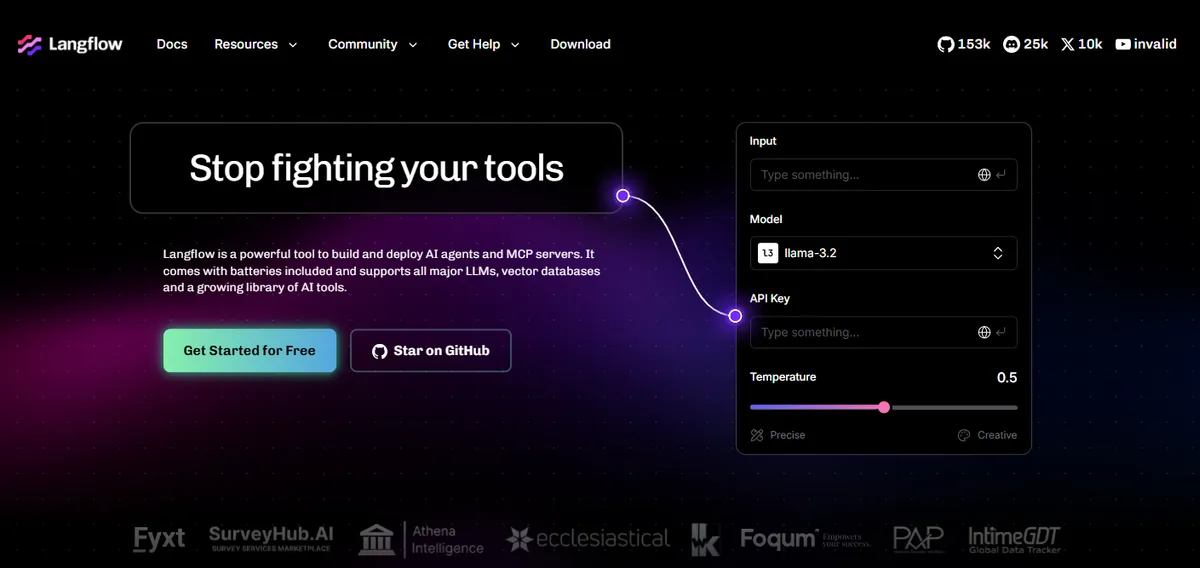
Best for: Developers building visual AI workflows
Langflow provides a visual environment for constructing AI applications and workflows.
It can be used to connect models, tools, retrieval systems, agents, and other components.
Typical applications include:
- AI agents
- RAG systems
- AI assistants
- LLM workflows
- Prototypes
Pros
- Open-source
- Visual development
- Strong technical flexibility
- Useful for developers
- Good experimentation environment
Cons
- Better suited to technical users
- Production architecture requires engineering knowledge
- Not the simplest option for business users with no technical background
Langflow is particularly useful for developers who want visual composition without giving up control over the underlying AI architecture.
AI agent builder comparison by use case
The overall ranking is less useful than choosing the right platform for the specific problem.
| Use Case | Strong Options |
|---|---|
| No-code AI agents | Lindy AI, Relay.app, Relevance AI |
| Personal AI assistant | ChatGPT Agent, Lindy AI |
| GTM automation | Anfloy, Relevance AI, n8n |
| Multi-agent development | CrewAI |
| Salesforce enterprise agents | Agentforce |
| Customer support | Intercom Fin, Botpress |
| Conversational AI | Voiceflow, Botpress |
| Internal AI applications | Stack AI, DronaHQ |
| Visual LLM development | Flowise, Langflow |
| Workflow automation | n8n |
| Developer-controlled agents | CrewAI, Flowise, Langflow |
| Small business automation | Anfloy, Lindy AI, Relevance AI |
This illustrates why there is no universal "best AI agent builder."
The best platform depends on the desired interface, degree of autonomy, technical requirements, data environment, and business outcome.
Best no-code AI agent builder
If your priority is creating an AI agent without writing code, start by evaluating platforms such as:
- Lindy AI
- Relevance AI
- Voiceflow
- Botpress
These platforms abstract much of the underlying engineering.
However, "no-code" does not mean "no design."
You still need to define:
- Agent objective
- Instructions
- Data sources
- Tools
- Actions
- Guardrails
- Human escalation
- Success criteria
A poorly designed no-code agent can still produce unreliable results.
Best free AI agent builder
If cost is the primary constraint, several platforms provide free or open-source options.
Examples include:
- CrewAI
- n8n
- Flowise
- Langflow
- Botpress
Free access can be particularly useful for learning and prototyping.
However, total cost should include:
- Model usage
- Hosting
- API calls
- Data providers
- Infrastructure
- Monitoring
An open-source agent can have no platform license fee and still incur infrastructure costs.
Best AI agents for students
Students generally need platforms that provide a low learning curve and inexpensive experimentation.
Useful categories include:
- General-purpose AI agents
- Research agents
- Study assistants
- Workflow automation
- Coding agents
Platforms such as ChatGPT Agent, Lindy AI, and accessible no-code builders can be useful starting points.
The best choice depends on whether the student wants to learn AI development or simply use an AI agent for productivity.
For learning agent development, open-source frameworks such as CrewAI, Flowise, and Langflow provide more insight into how agent systems work.
Best AI agents for small business
Small businesses typically need agents that produce direct operational value.
Useful applications include:
- Lead qualification
- Customer support
- Email management
- Appointment scheduling
- Prospect research
- Data entry
- CRM updates
- Internal knowledge search
Platforms such as Anfloy, Relevance AI, n8n, Lindy AI, and Relay.app can be relevant depending on the workflow.
The best small-business agent is not necessarily the most sophisticated one.
It is the agent that removes a measurable operational bottleneck.
Best AI agent app for personal use
Personal AI agents are generally focused on productivity rather than complex enterprise workflows.
Common applications include:
- Managing tasks
- Research
- Email assistance
- Scheduling
- Travel planning
- Information gathering
- Personal organization
General-purpose agent systems and personal AI assistant platforms are usually better suited to these scenarios than enterprise agent builders.
ChatGPT Agent and Lindy AI are examples of platforms worth evaluating for personal productivity use cases.
What to look for in an AI agent builder?
Choosing an AI agent builder should start with the workflow you want to automate.
Do not choose a platform simply because it has the largest feature list.
Evaluate whether the platform can reliably perform the specific task you need.
1. Agent autonomy
Ask how much independent decision-making the platform supports.
A basic system may follow a fixed sequence:
Trigger → Action → Action → Output
A more capable agent can:
Observe → Reason → Choose Tool → Act → Evaluate → Continue
The right level of autonomy depends on the use case.
A customer support FAQ agent may require limited autonomy.
An account research agent may require considerably more.
2. Tool calling
An agent becomes useful when it can interact with external tools.
Look for support for:
- APIs
- Web search
- Databases
- CRM systems
- Calendars
- SaaS applications
- Custom functions
Tool access determines what an agent can actually accomplish.
3. Knowledge and retrieval
If the agent needs company-specific or domain-specific information, evaluate its knowledge capabilities.
Look for:
- Document ingestion
- Website crawling
- Knowledge bases
- Vector search
- Retrieval-augmented generation
- Structured data access
The agent should retrieve relevant information rather than rely entirely on its model's general knowledge.
4. Memory
Different use cases require different types of memory.
Consider whether the platform supports:
- Conversation memory
- User memory
- Task state
- Persistent memory
- Session memory
Memory should be designed deliberately.
More memory is not automatically better.
5. Human approval
For business-critical workflows, human approval can provide an important safety layer.
Look for the ability to pause an agent before it:
- Sends an external message
- Changes important customer data
- Approves a transaction
- Deletes information
- Executes a high-impact action
A strong platform should let organizations define when humans remain in control.
6. Observability
Production agents need monitoring.
Look for:
- Execution logs
- Tool-call history
- Error reporting
- Agent traces
- Cost tracking
- Performance analytics
If you cannot see what an agent did, debugging becomes difficult.
7. Evaluation
Agent performance should be measurable.
A good platform should support some method of evaluating:
- Accuracy
- Task completion
- Tool selection
- Output quality
- Hallucination rate
- Human acceptance
Evaluation becomes increasingly important as agents move from experimentation into production.
The difference between an AI agent and an AI workflow
These terms are often used interchangeably, but they describe different architectures.
AI workflow
An AI workflow usually follows a predefined sequence.
For example:
Form Submitted
      ↓
Enrich Data
      ↓
AI Classification
      ↓
CRM Update
      ↓
Notification
The developer or operator determines the sequence.
The AI performs one or more tasks inside that sequence.
AI agent
An AI agent has greater decision-making autonomy.
For example:
Goal
 ↓
Observe Environment
 ↓
Reason
 ↓
Choose Action
 ↓
Use Tool
 ↓
Evaluate Result
 ↓
Choose Next Action
 ↓
Complete Goal
The agent determines some of the next steps dynamically.
Which is better?
Neither is universally better.
Use an AI workflow when:
- The process is predictable.
- Business rules are clear.
- Reliability is more important than flexibility.
- The same sequence runs repeatedly.
Use an AI agent when:
- The task contains uncertainty.
- Multiple approaches may work.
- The system needs to choose tools dynamically.
- The environment changes.
- The task requires iterative reasoning.
For many business processes, a hybrid architecture is the strongest approach.
Use deterministic workflows for predictable operations and AI agents for tasks that require interpretation.
What makes an AI agent builder platform "best"?
The best AI agent builder is not necessarily the platform with the most autonomous features.
A strong platform balances:
Capability + Control + Reliability + Usability + Cost
Capability
Can the platform perform the required task?
Evaluate:
- Tools
- Models
- Knowledge
- Memory
- Integrations
- Agents
- Multi-agent support
Control
Can you define what the agent is allowed to do?
Important controls include:
- Permissions
- Tool restrictions
- Human approval
- Guardrails
- Data access controls
Reliability
Can the agent consistently produce acceptable results?
Look for:
- Evaluation
- Testing
- Error handling
- Retry logic
- Monitoring
- Structured outputs
Usability
Can the people responsible for the system actually maintain it?
A highly sophisticated framework can become a poor business choice if only one engineer understands it.
Cost
Consider the complete cost of ownership.
This may include:
- Platform subscription
- Model usage
- API usage
- Data providers
- Hosting
- Engineering time
- Monitoring
The cheapest platform is not necessarily the least expensive system.
How do the best AI agent builders ensure data privacy?
Data privacy depends on both the platform and the implementation.
Before deploying an agent, evaluate:
- Data retention policies
- Encryption
- Access controls
- Authentication
- Audit logs
- Data residency
- Model-training policies
- Compliance certifications
- Third-party integrations
For enterprise applications, determine whether customer data is used to train underlying models.
Also consider what information the agent is allowed to access.
An agent with access to every CRM record creates a different security risk from an agent restricted to a specific account or workflow.
The principle should be:
Give the agent the minimum data and permissions required to complete its task.
How long does it take to deploy an AI agent?
Deployment time varies significantly based on complexity.
A simple personal assistant may take minutes or hours to configure.
A business agent connected to CRM, customer data, APIs, approval workflows, and monitoring may take considerably longer.
A useful progression is:
| Agent Type | Typical Complexity |
|---|---|
| Personal assistant | Low |
| Simple research agent | Low |
| Internal knowledge agent | Low–Medium |
| Customer support agent | Medium |
| Sales qualification agent | Medium–High |
| Multi-system business agent | High |
| Multi-agent enterprise system | Very High |
The first production version should usually be smaller than the final vision.
Start with a narrow workflow, validate performance, and expand only after the system demonstrates reliable results.
Is multi-agent orchestration better than a single agent?
Not always.
A single agent can be sufficient when one system can reliably handle the task.
For example:
Research this company and summarize its key business signals.
A multi-agent architecture becomes useful when responsibilities can be clearly separated.
For example:
Research Agent
      ↓
Qualification Agent
      ↓
Strategy Agent
      ↓
Review Agent
Each agent can specialize in a specific responsibility.
Advantages
- Specialization
- Clear responsibilities
- Easier modularity
- Potentially easier debugging
Disadvantages
- Greater complexity
- More model calls
- Higher cost
- More coordination failures
- More difficult monitoring
Use multi-agent orchestration when specialization creates measurable value.
Do not use multiple agents simply because the architecture looks more advanced.
AI agent builder decision framework
Use the following framework before selecting a platform.
Choose a no-code builder when:
- Business users will maintain the system.
- The workflow uses standard integrations.
- Speed matters more than engineering flexibility.
- You have limited technical resources.
Choose a low-code platform when:
- You need visual workflows.
- Some custom logic is required.
- APIs and custom integrations are important.
Choose a developer framework when:
- You need architectural control.
- You are building complex agents.
- Custom tools are required.
- Your engineering team owns deployment.
Choose an enterprise platform when:
- Security and governance are critical.
- The organization already has a major business platform.
- Enterprise data integration is required.
- Multiple teams will use the agents.
How to choose the right AI agent builder?
Start with five questions:
- What task should the agent complete?
- What data does it need?
- What tools must it access?
- What decisions can it make autonomously?
- How will success be measured?
Then evaluate platforms against those requirements.
This prevents a common mistake: selecting technology first and trying to find a business problem for it later.
AI agent builder selection matrix
| Requirement | Important Capability |
|---|---|
| Beginner | No-code interface |
| Personal assistant | Easy integrations and memory |
| Customer support | Knowledge retrieval + conversation |
| GTM automation | CRM + enrichment + workflow tools |
| Enterprise | Security + governance |
| Developer | APIs + SDKs + deployment control |
| Multi-agent | Agent orchestration |
| Internal knowledge | RAG + document ingestion |
| Production | Monitoring + evaluation |
| Cost-sensitive | Free/open-source options |
The best AI agent builder is ultimately the one that meets the technical, operational, security, and business requirements of the specific use case.
Our overall recommendations
After comparing the platforms, the strongest choices depend on the intended use case.
Best for GTM engineering
Anfloy
Best when the objective is to build AI agents into a broader revenue system involving CRM, enrichment, qualification, automation, and Revenue Operations.
Best for multi-agent development
CrewAI
A strong choice for developers building specialized collaborative agent systems.
Best for AI workflow automation
n8n
Useful for connecting AI models with APIs, applications, databases, and business processes.
Best for enterprise salesforce
Agentforce
A natural choice for organizations heavily invested in Salesforce.
Best for personal AI assistance
ChatGPT Agent / Lindy AI
Useful for individual productivity and general-purpose task automation.
Best for conversational AI
Voiceflow / Botpress
Strong options for customer-facing conversational agents.
Best for customer support
Intercom Fin
Designed specifically around support automation.
Best open-source options
Flowise / Langflow
Good choices for technical users who want visual control and open-source flexibility.
Best for AI workforce automation
Relevance AI
Useful for organizations exploring AI workers across sales, marketing, and operational processes.
Why the "best" AI agent builder depends on your architecture?
Choosing an agent builder in isolation can lead to poor decisions.
An agent is only one component of an AI system.
A production architecture may also require:
- Data sources
- CRM
- Enrichment
- APIs
- Workflow orchestration
- AI models
- Knowledge systems
- Monitoring
- Human approval
- Analytics
For example, an AI lead qualification agent might appear simple from the outside.
Behind it may be:

Lead
 ↓
CRM
 ↓
Enrichment
 ↓
Customer Data
 ↓
AI Agent
 ↓
Qualification
 ↓
Business Rules
 ↓
Human Review
 ↓
CRM
 ↓
Sales Workflow
 ↓
Revenue Measurement
This is why the platform alone does not determine the quality of the final system.
The architecture determines how reliably the agent creates business value.
AI agent builder pricing: what should you expect?
AI agent pricing varies significantly because platforms use different pricing models.
Common models include:
Per-user pricing
You pay based on the number of people using the platform.
This is common for business-oriented SaaS products.
Usage-based pricing
Costs depend on:
- Model calls
- Agent executions
- API calls
- Workflow runs
- Tokens
Usage-based pricing can become important for high-volume agents.
Platform + model costs
Some platforms charge a platform fee while AI model usage is billed separately.
This can make the total cost higher than the advertised subscription.
Enterprise pricing
Enterprise platforms may use custom pricing based on:
- Users
- Data volume
- Security requirements
- Support
- Deployment
- Integrations
Always calculate the total cost of ownership, not just the advertised starting price.
How to deploy an AI agent in production?
A prototype can be created quickly.
A production agent requires more preparation.
Use this sequence:
1. Define the goal
Specify exactly what the agent should accomplish.
2. Define the inputs
Determine what information the agent needs.
3. Define the tools
Specify which systems it can access.
4. Define the output
Use structured outputs wherever possible.
5. Add guardrails
Restrict what the agent can access and change.
6. Test
Run the agent against representative scenarios.
7. Add human review
Require approval for high-impact actions.
8. Monitor
Track errors, costs, latency, and output quality.
9. Optimize
Improve prompts, tools, workflows, and data sources based on observed results.
This approach reduces the risk of deploying an unreliable autonomous system.
What makes an AI agent production-ready?
A production agent should have more than a good prompt.
It should have:
- Clear objectives
- Reliable data
- Defined tools
- Permission controls
- Structured outputs
- Error handling
- Human escalation
- Monitoring
- Evaluation
- Cost controls
- Documentation
The difference between an impressive demo and a useful business system is usually the infrastructure around the model.
Why businesses need more than an AI agent builder?
An agent builder solves one part of the problem.
Businesses often need to solve the larger system problem.
For example, an AI sales agent may require:
CRM → Data Enrichment → AI Research → Qualification → Workflow → Sales Engagement → Reporting
If the underlying customer data is poor, the agent produces poor results.
If the CRM architecture is inconsistent, the automation becomes unreliable.
If there is no qualification methodology, AI cannot consistently determine which prospects are valuable.
This is why AI agent implementation should begin with the business process and data architecture.
How Anfloy helps build AI agents?
Anfloy focuses on building AI agents as components of a broader GTM system.
Instead of simply configuring an AI assistant, we can connect agents to:
- CRM
- Customer data
- Data enrichment
- GTM workflows
- Revenue Operations
- Sales engagement
- AI models
- APIs
- Revenue Intelligence
A typical GTM agent architecture may look like:
GTM Strategy
     ↓
ICP
     ↓
Customer Data
     ↓
Enrichment
     ↓
AI Agent
     ↓
Qualification
     ↓
Business Rules
     ↓
CRM
     ↓
Sales / Marketing Action
     ↓
Revenue Measurement
This systems approach makes the agent part of the revenue engine rather than a standalone experiment.
Conclusion: which AI agent builder should you choose?
The AI agent builder market has matured beyond simple chatbot platforms.
Today's tools range from no-code assistants and workflow automation platforms to developer frameworks and enterprise agent platforms.
There is no single best AI agent builder for every situation.
Choose based on your requirements:
- For personal productivity: ChatGPT Agent or Lindy AI
- For no-code business automation: Relevance AI
- For workflow automation: n8n
- For multi-agent development: CrewAI
- For Salesforce environments: Agentforce
- For customer support: Intercom Fin
- For conversational AI: Voiceflow or Botpress
- For open-source development: Flowise or Langflow
- For GTM and revenue workflows: Anfloy
The most important consideration is not how autonomous the platform claims to be.
It is whether the agent can reliably complete a meaningful business task within your existing technology, data, security, and operational environment.
The best AI agent is therefore not the one with the most features.
It is the one that creates measurable value with an appropriate level of autonomy and control.
Build production-ready AI agents with Anfloy
Anfloy helps businesses move from AI experimentation to production-ready agentic systems.
We combine AI agents with:
GTM Engineering
CRM architecture
Data enrichment
Workflow automation
Revenue Operations
AI lead scoring
Account research
Sales automation
API integrations
Revenue Intelligence
Whether you need a single AI agent or an interconnected AI-powered GTM system, the focus is on building reliable workflows around real business outcomes.
Book your call!
Frequently Asked Questions
What are the best platforms for building AI agents without coding?
Strong no-code and low-code options include Lindy AI, Relevance AI, Relay.app, Voiceflow, Botpress, and n8n. The best choice depends on whether you need a personal assistant, business workflow, conversational agent, or more complex automation.
What is currently the best no-code AI agent builder?
There is no universal winner. Lindy AI is strong for personal assistants, Relevance AI is strong for business and AI workforce use cases, Relay.app is useful for AI-assisted workflows, and Voiceflow and Botpress are strong for conversational agents.
Are AI agents the same as chatbots?
No. A chatbot primarily interacts through conversation. An AI agent can use tools, access information, make decisions, and execute actions. Some modern chatbots can also contain agentic capabilities, so the distinction depends on the underlying architecture.
Do I need to know coding to build an AI agent?
No. No-code and low-code platforms allow non-developers to build many types of agents. Coding becomes more important when you need custom APIs, advanced orchestration, specialized tools, custom infrastructure, or production-level control.
Which AI agent builder is best for beginners?
Lindy AI, Relay.app, Voiceflow, Botpress, and Relevance AI are approachable starting points. Choose based on the type of agent you want to build rather than choosing solely by ease of use.
Can I use agent builders if I have no coding experience?
Yes. Many agent builders provide visual interfaces, templates, integrations, and pre-built tools. You will still benefit from understanding basic concepts such as triggers, actions, data, APIs, prompts, and workflow logic.
How do the best AI agent builders ensure data privacy?
Privacy depends on the platform and configuration. Look for encryption, access controls, authentication, audit logs, data-retention policies, model-training policies, compliance certifications, and clear third-party data handling. Give agents only the minimum data and permissions required for their tasks.
How long does it take to deploy an agent with a top-rated builder?
A simple personal or research agent can often be configured quickly. A production business agent connected to CRM, customer data, APIs, human approval, and monitoring can require significantly more design and testing. Complexity matters more than the builder itself.
Is multi-agent orchestration better than a single agent?
Not necessarily. A single agent is often simpler, cheaper, and easier to monitor. Multi-agent systems become useful when separate agents can specialize in clearly defined responsibilities. Use multiple agents when the additional complexity creates measurable value.
Let's build
what your
company needs.
Drop your email. We'll send The Custom Agent Blueprint on what we'd build first for a company like yours, before you ever take a meeting.